


How to Program a Garage Door Remote for the 2026 Hyundai Tucson
Programming your garage door opener in the 2026 Hyundai Tucson is a quick and simple process thanks to Hyundai’s integrated HomeLink® system. For drivers in Laguna Niguel, Mission Viejo, and throughout South Orange County, this feature adds everyday convenience and eliminates the need for a separate remote.
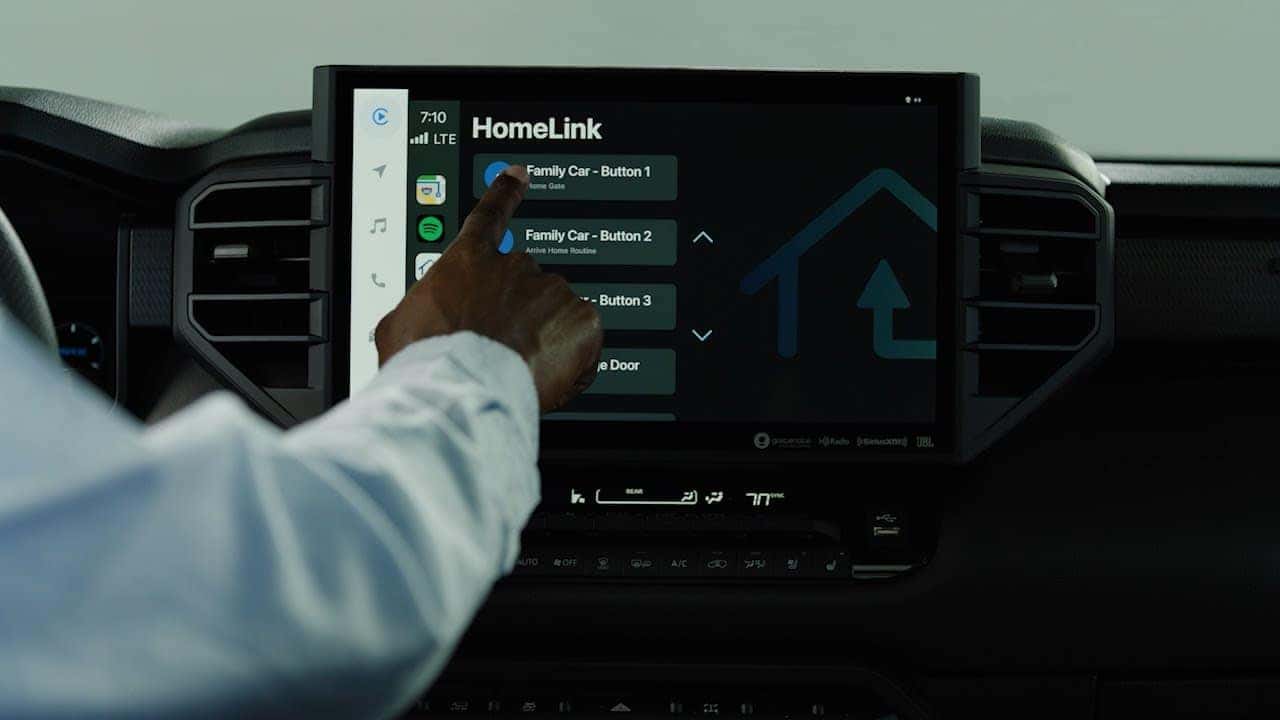
Step 1: Turn On Your Hyundai Tucson
Start your vehicle or switch it into accessory mode. Locate the HomeLink buttons, typically found on the rearview mirror.
Step 2: Pair Your Garage Door Remote
Hold your garage door remote about 1–3 inches away from the HomeLink buttons.
- Press and hold the desired HomeLink button
- Press the garage remote button at the same time
- Wait until the indicator light changes from a slow blink to a rapid flash
Step 3: Sync with Rolling Code Systems
Most modern garage door openers require an additional step.
- Press the “Learn” button on your garage motor
- Return to your Tucson within 30 seconds
- Press the programmed HomeLink button for a few seconds
- Repeat if needed until the door responds
Troubleshooting Tips
- Ensure your garage remote has a fresh battery
- Keep the remote steady during pairing
- Repeat the process if the signal doesn’t register
Why This Feature Matters in Orange County
Whether you’re heading out from Laguna Niguel, Irvine, or Dana Point, built-in garage access improves both convenience and security. It’s a small feature that makes a big difference in daily driving.
For additional help, Laguna Niguel Hyundai can assist with setting up or troubleshooting your HomeLink system.
